Settings
Open Settings by tapping the ⚙ icon in the top-right corner of WristMSG.
Watch Display
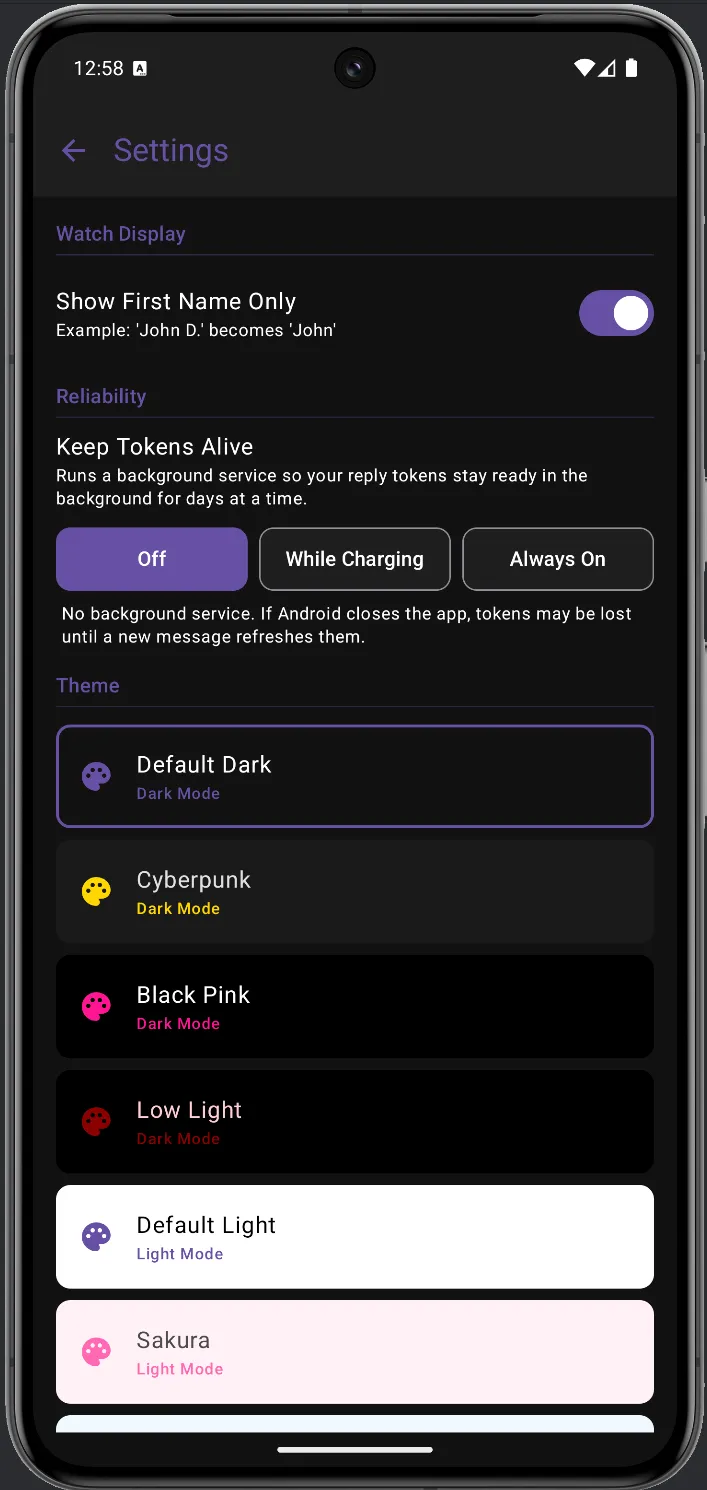
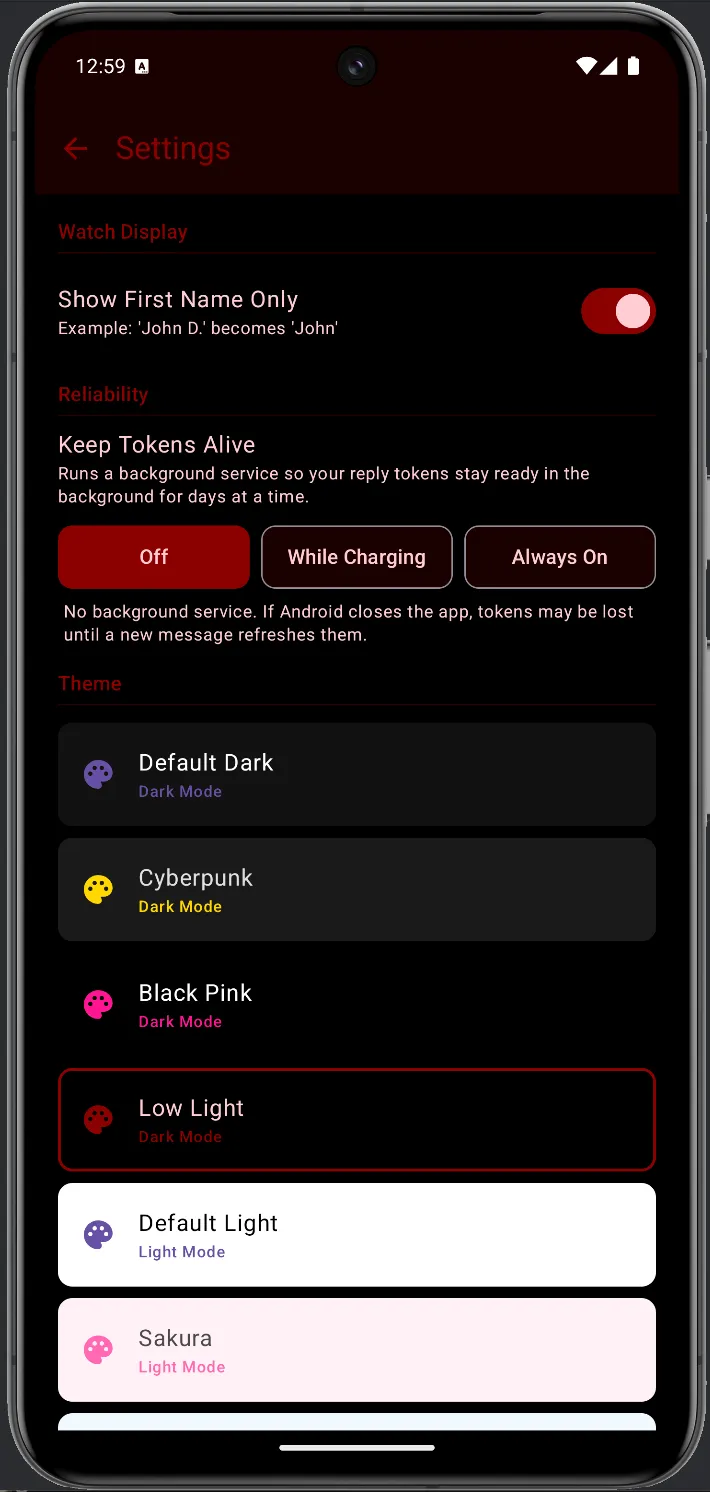
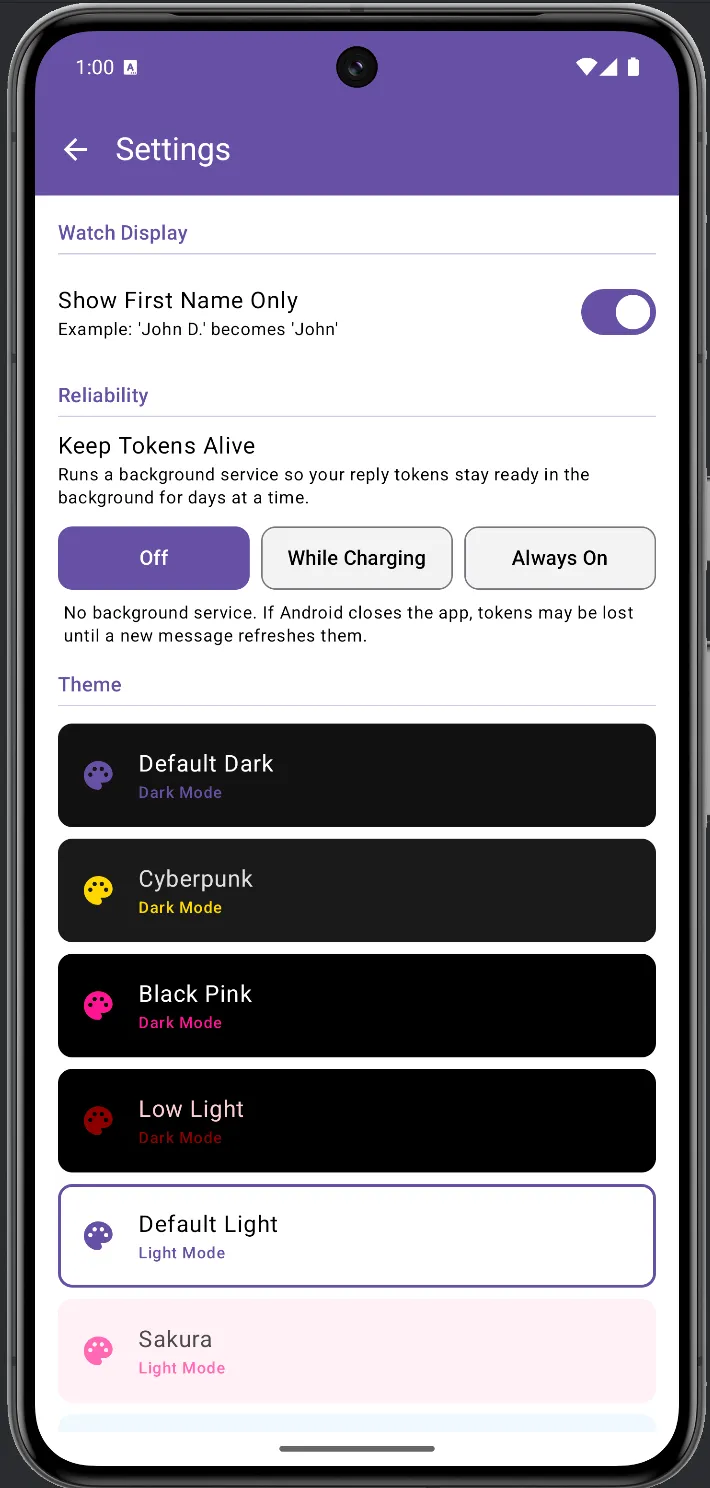
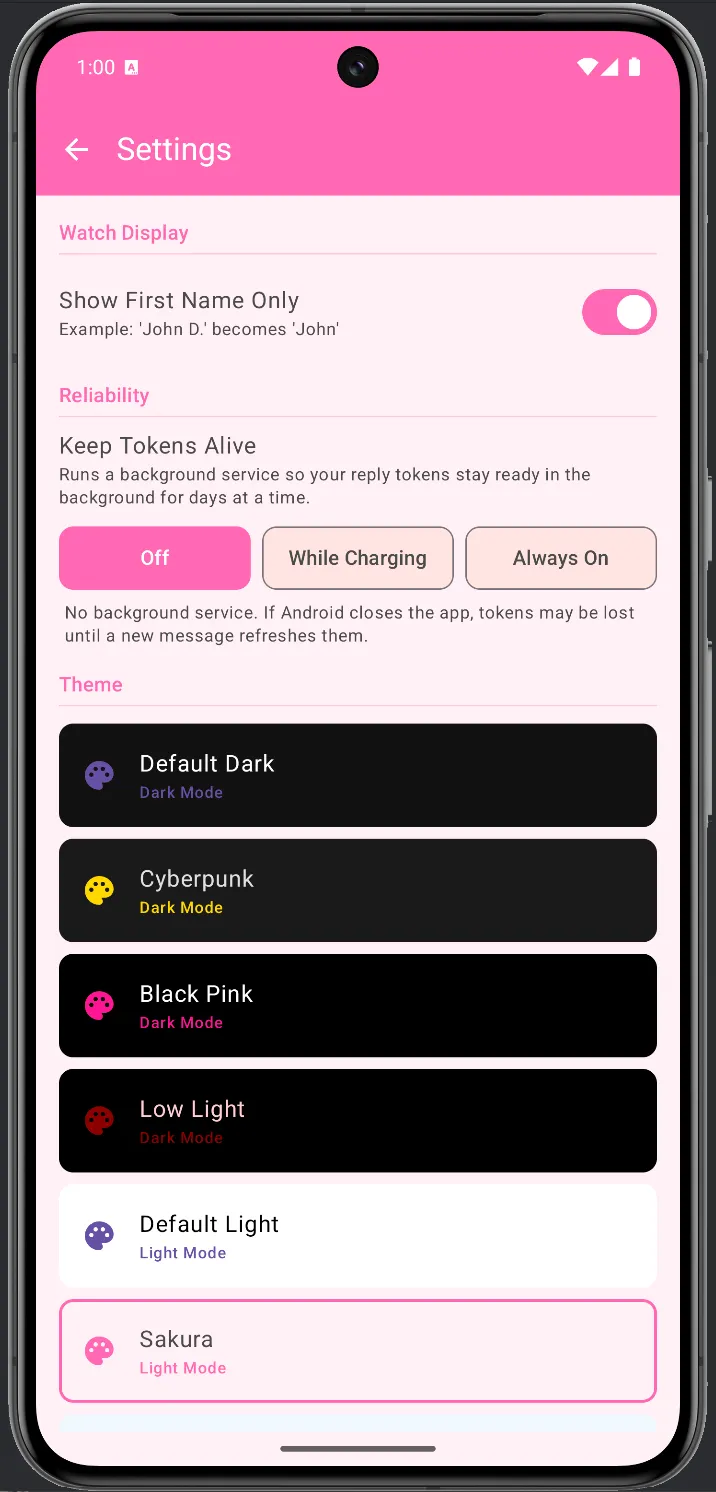
Section titled “Watch Display”Show First Name Only — when enabled, names like “John D.” display as “John” on your watch. Useful on small watch screens where shorter names are easier to read at a glance.
Reliability — Keep Tokens Alive
Section titled “Reliability — Keep Tokens Alive”Controls a background service that keeps your reply connections active. See the Reliability page for a full explanation of how this affects conversation readiness.
| Option | What it does |
|---|---|
| Off | No background service. Tokens may be lost if Android closes the app. |
| While Charging | Service runs only while your phone is plugged in — a good balance. |
| Always On | Persistent service. Most reliable; shows a small persistent notification. |
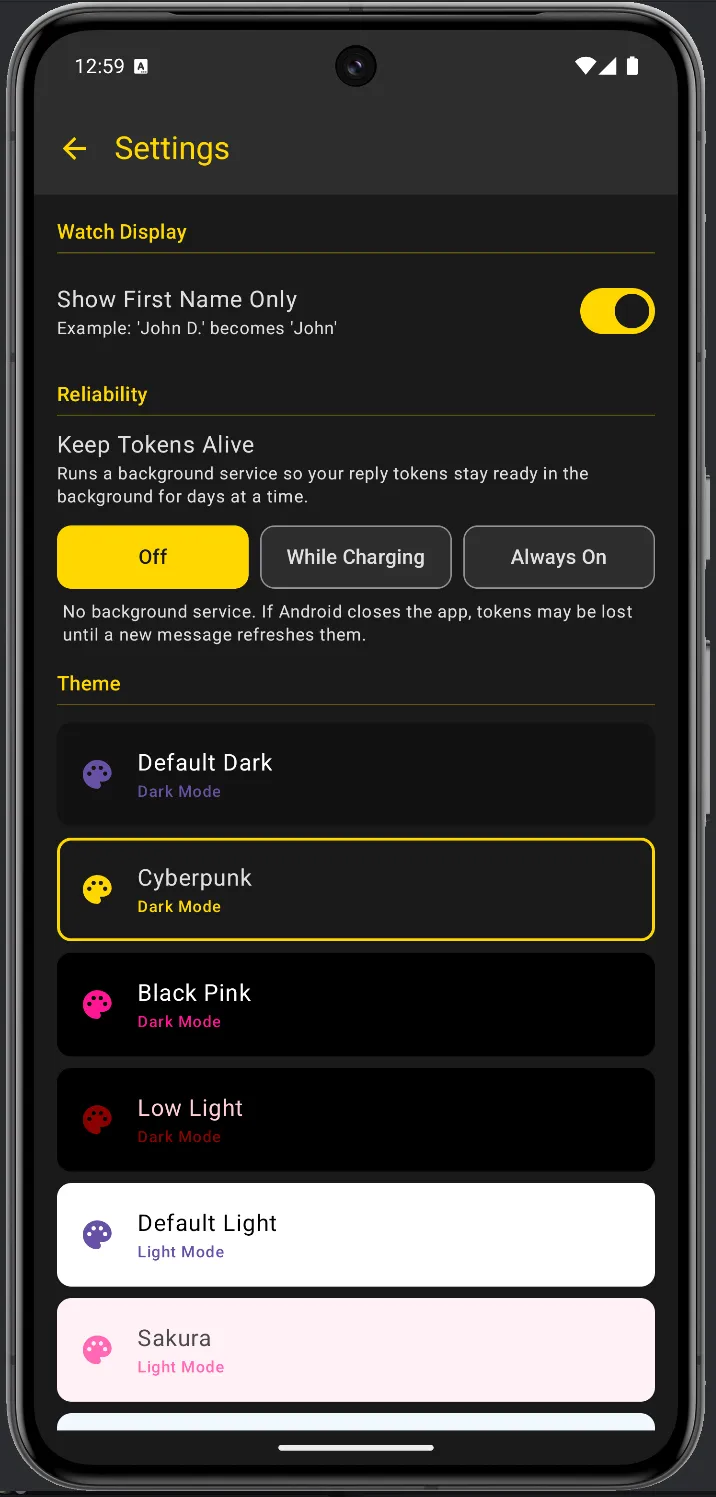
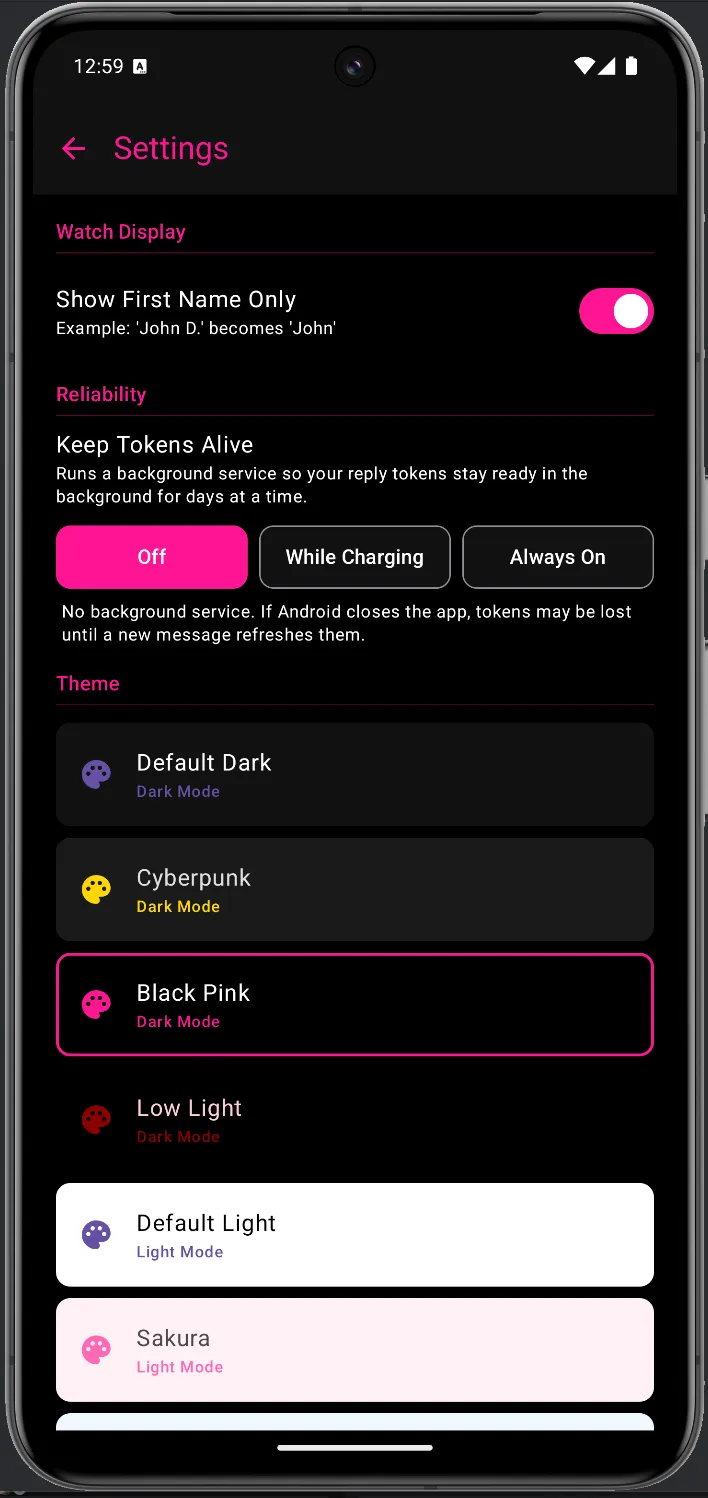
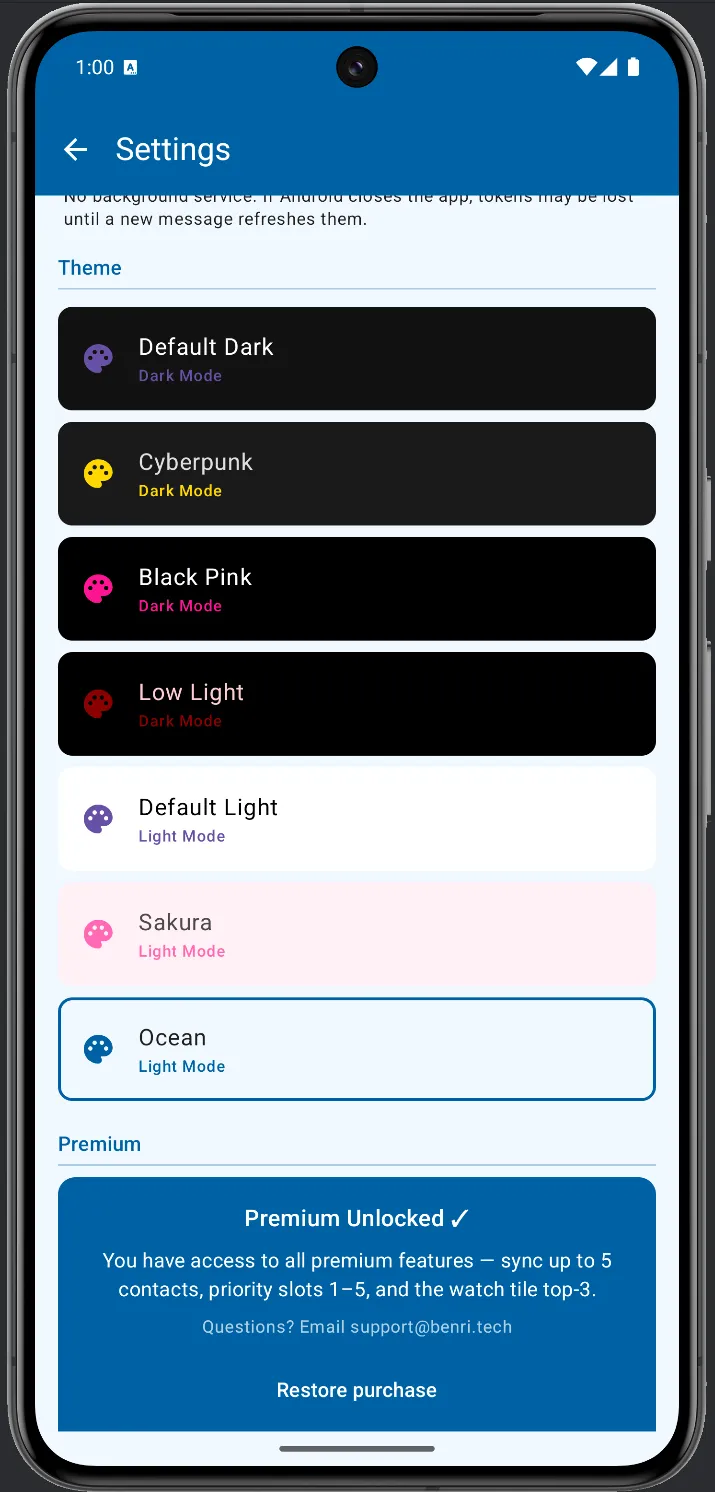
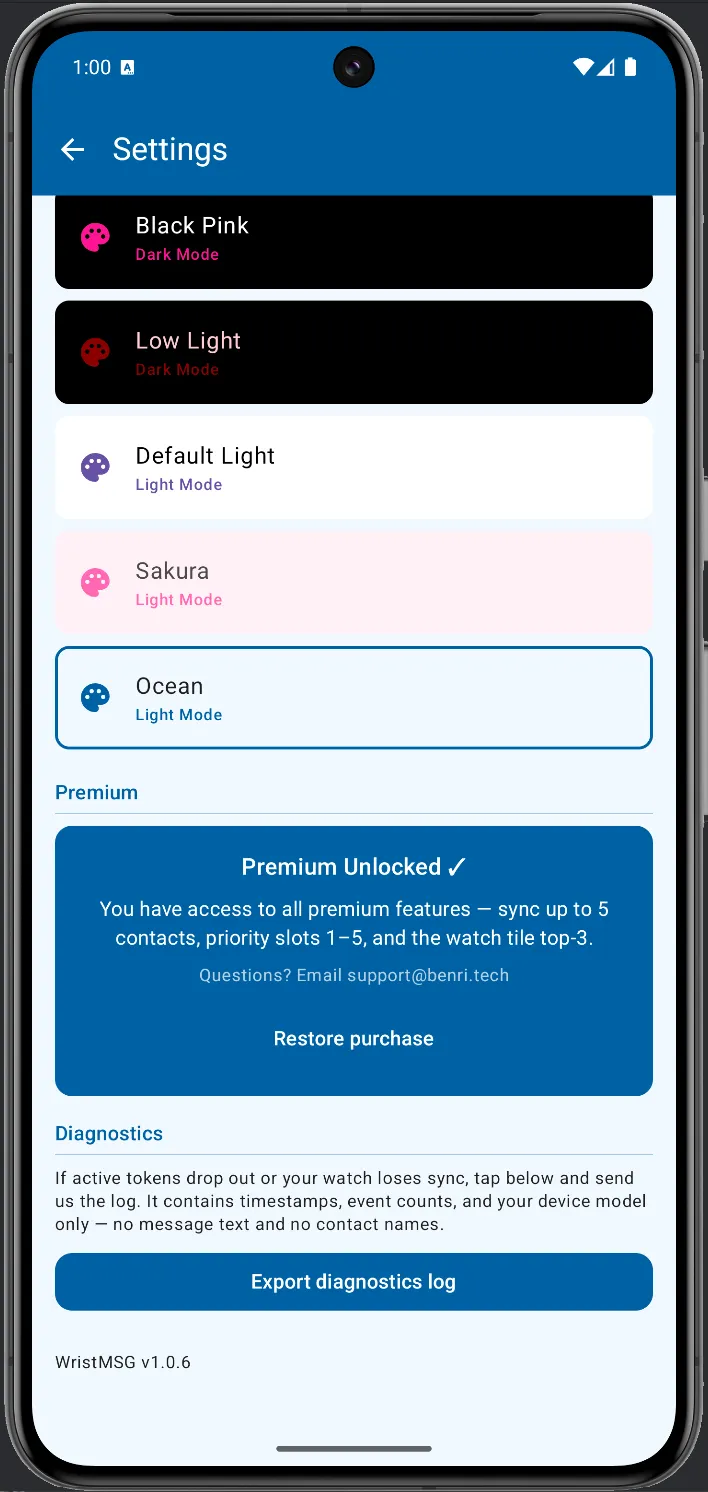
Seven themes are available — four dark mode and three light mode. The active theme is highlighted with a border. Tap any theme to switch.
Premium
Section titled “Premium”Shows your current premium status. During the testing period, Premium Unlocked is active for all testers, giving you access to up to 5 watch contacts, priority slots 1–5, and the watch tile.
Diagnostics
Section titled “Diagnostics”If your watch loses sync or contacts stop updating, tap Export diagnostics log and send us the file at support@benri.tech. The log contains timestamps and event counts only — no message text, no contact names.
Your contact list
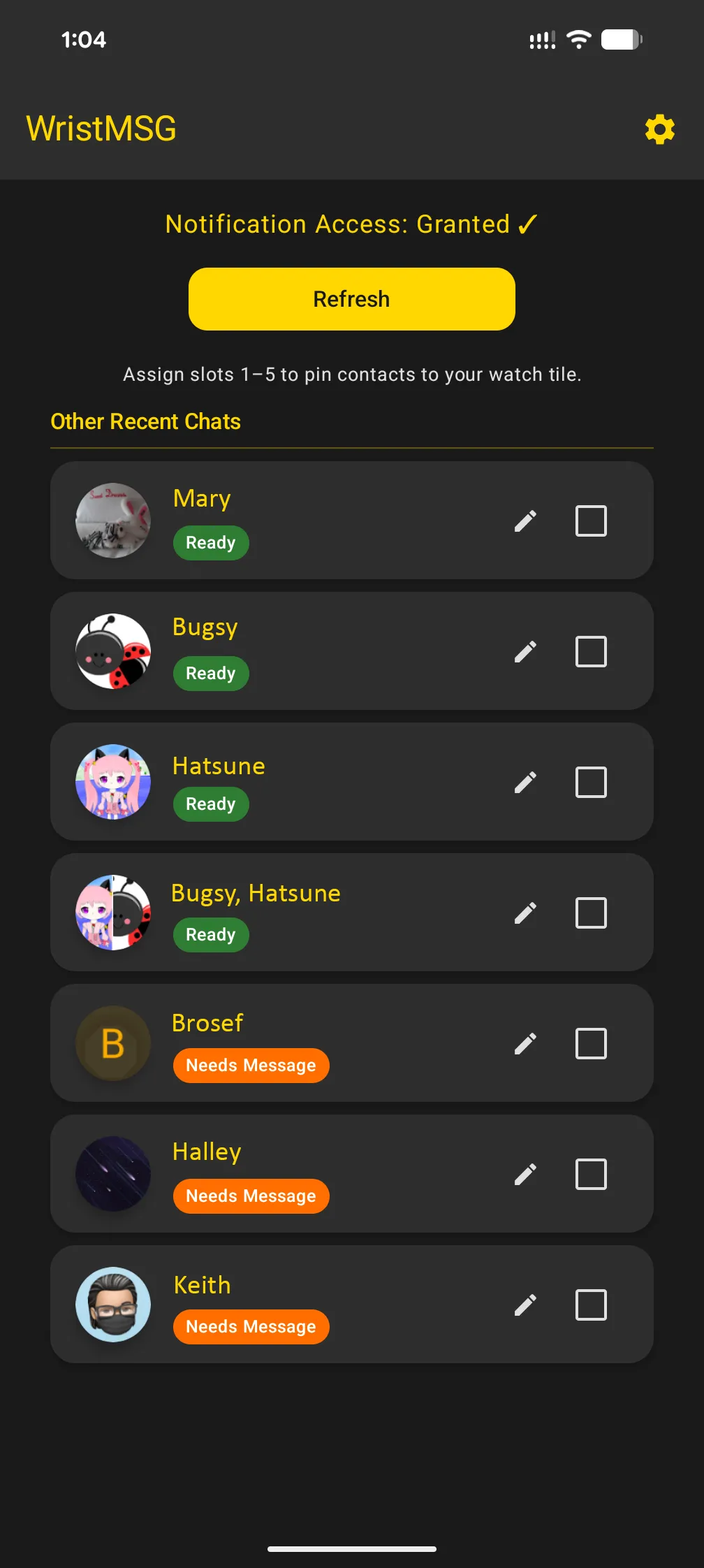
Section titled “Your contact list”Contacts appear automatically once someone sends you a Google Chat message. Each contact shows either a Ready (green) or Needs Message (orange) status.
Assigning watch slots
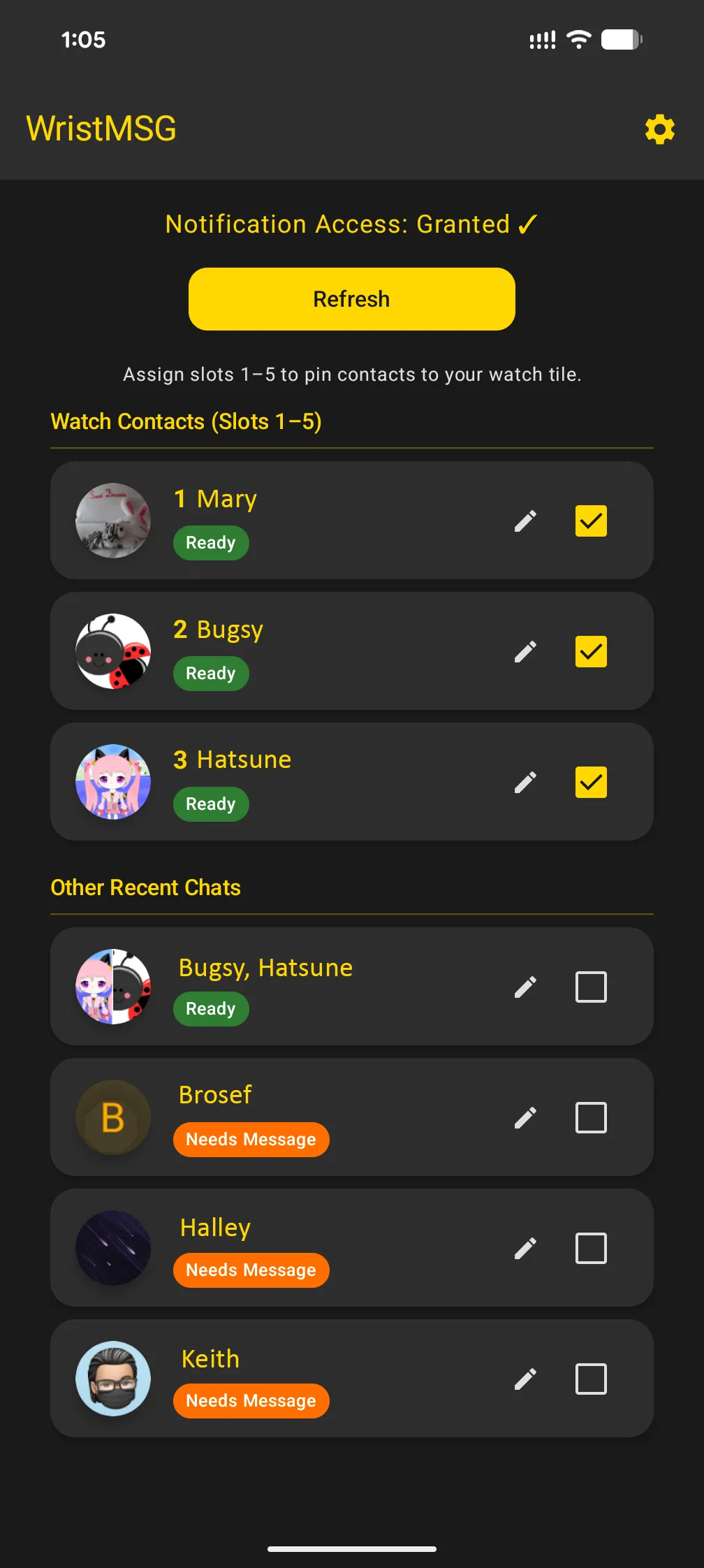
Section titled “Assigning watch slots”Tap the checkbox on a contact to assign it to a numbered watch slot (slots 1–5). Contacts in slots appear in the Watch Contacts section at the top of the list and sync to your watch tile.
Editing a contact
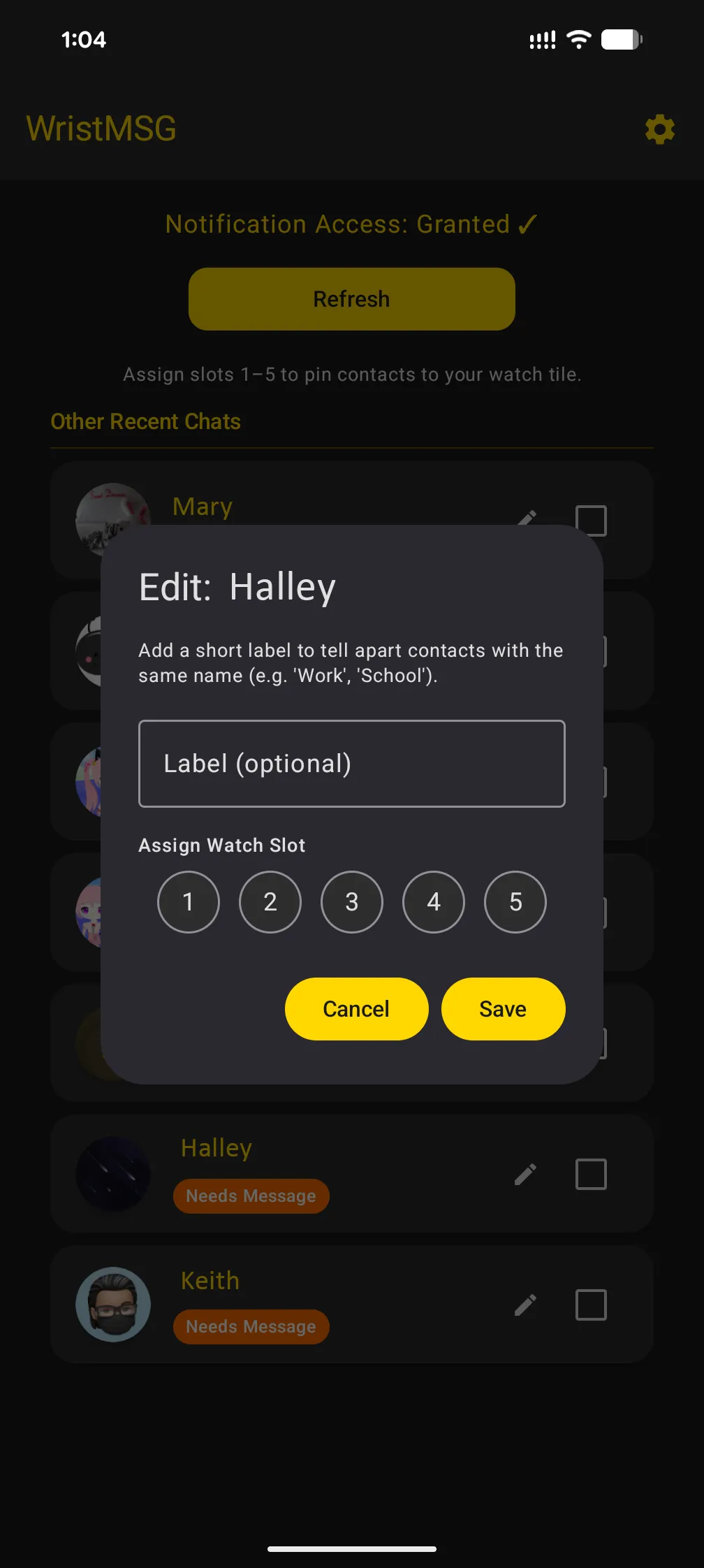
Section titled “Editing a contact”Tap the ✏️ icon on any contact to open the edit dialog. You can add an optional Label (useful if you have the same name across multiple accounts, e.g. “Work”) and assign or change the Watch Slot.